Connect Open Patrol to Claude Code
Claude Code adds Open Patrol from your terminal and signs in with your Open Patrol account. It can also send your token instead.
The server address
The commands below already carry it.
You will need
- An Open Patrol plan that holds data. See the plans, or sign in if you have one.
- Claude Code, installed and signed in to your Claude account.
- A few minutes.
In Claude Code
Add Open Patrol from your terminal
-
Add the server
In a terminal, add Open Patrol:
claude mcp add --transport http open-patrol https://open.playpatrol.app/mcp
-
Sign in from Claude Code
In Claude Code, type
/mcp, choose open-patrol and sign in.
On Open Patrol
Sign in and allow the access
-
Sign in to Open Patrol
Claude Code opens our sign-in page. Type the address your plan is under and we mail you a six-digit code; type the code to sign in.
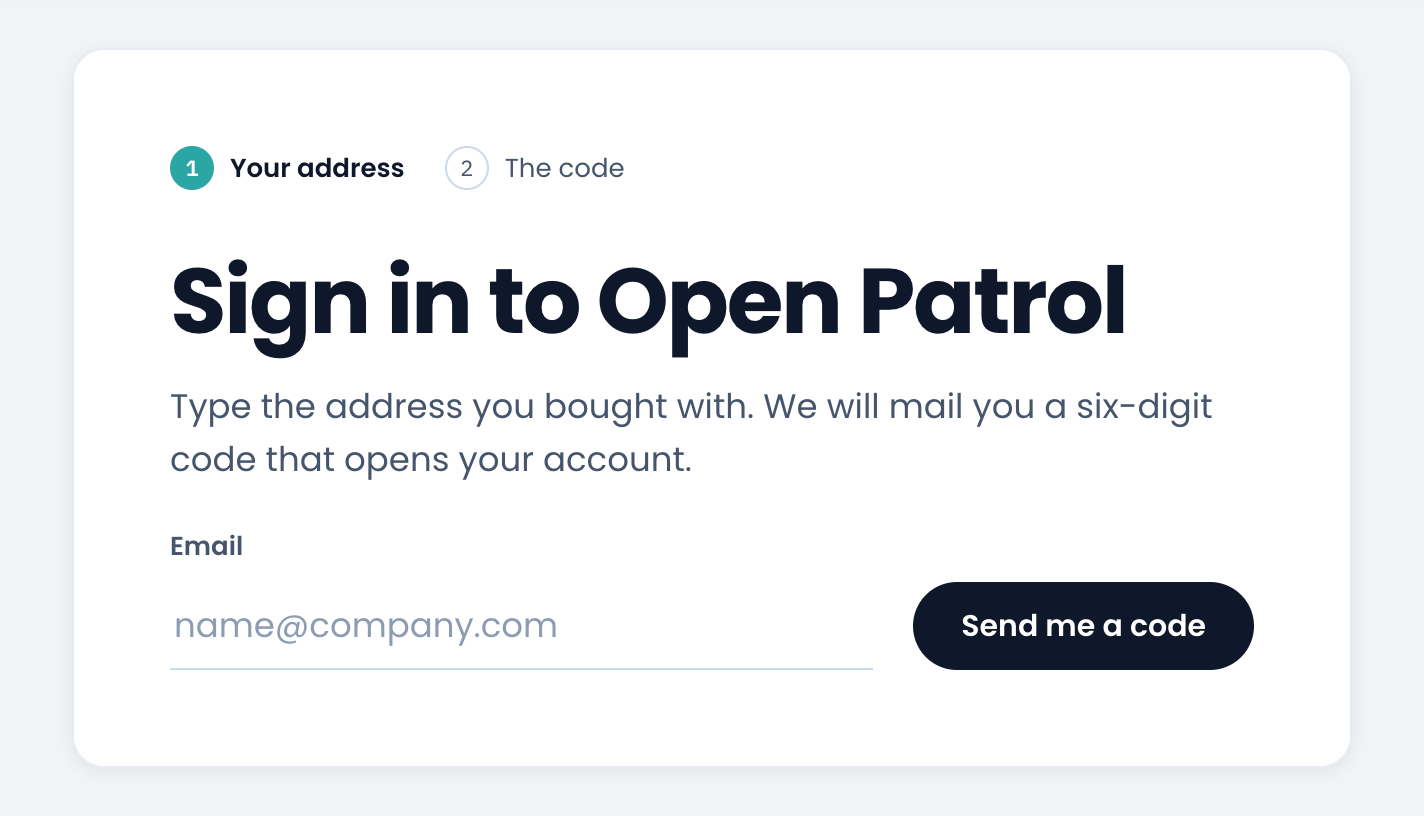
The Open Patrol sign-in page the assistant opens. -
Allow the access
The next page names the assistant, as it names itself, and where it returns to. Allow it only if you started the connection just now.
Back in Claude Code
Ask your first question
-
Ask it something
Ask in your own words. For example:
- Where did Big Bass Splash stand on UK casino pages last week?
- Which studios had games on the first row of Spanish casino homepages yesterday?
- Which new games appeared on casino homepages in Germany this month?
Or send your token instead of signing in
Claude Code can send your token with every request instead, so no browser opens. Three steps of their own.
On Open Patrol
Create your token
-
Create your token
Your token is private, so it is made in your dashboard, not on this page. We show it once: copy it somewhere safe.
Open your token page
In Claude Code
Add the server with your token
-
Add the server with your token
In a terminal, put your token where it says
opd_your_token:claude mcp add --transport http open-patrol \ https://open.playpatrol.app/mcp \ --header "Authorization: Bearer opd_your_token"
Add
--scope userto have it in every project, not only this one. -
Check it
claude mcp listshows open-patrol as connected. Then ask Claude Code about the data.
If something goes wrong
- Claude Code says the plan holds no data
- You have no plan that holds data, or it ended. See the plans; the assistant reads again as soon as one is active, without signing in again.
- You want to disconnect Claude Code
- In your dashboard, open Data access, then MCP, and choose Disconnect beside Claude Code. It stops at once, and nothing else you connected is touched.
- Claude Code says Unauthorized with your token
- The token is wrong, was replaced, or your plan ended. Open your token page to see which.